Library Management Touch Screen Kiosks About
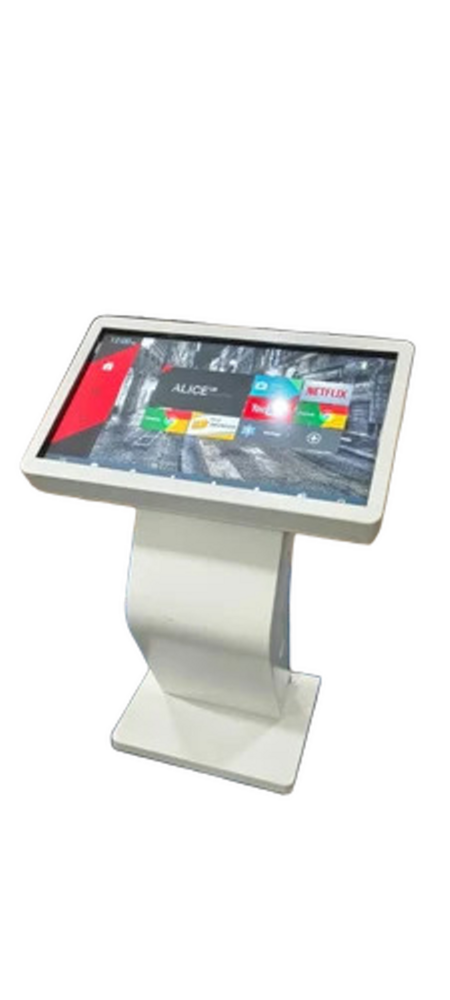
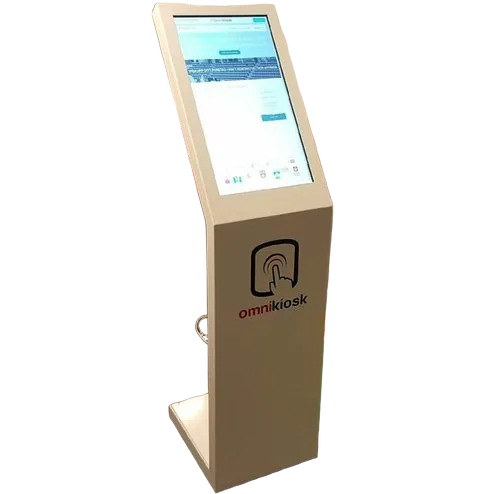
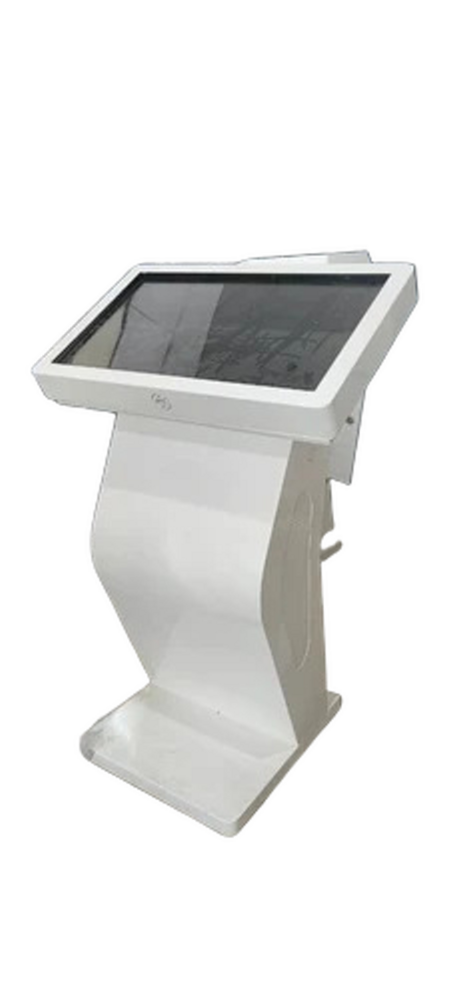
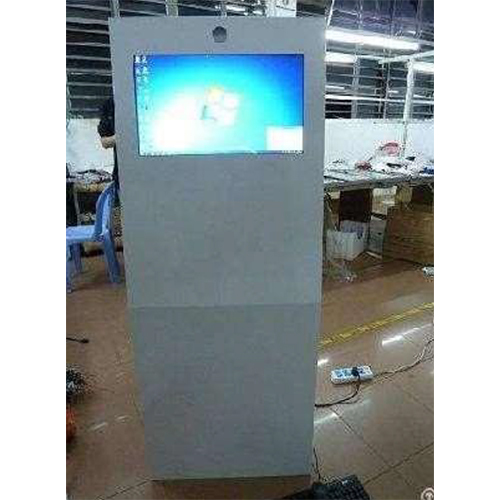
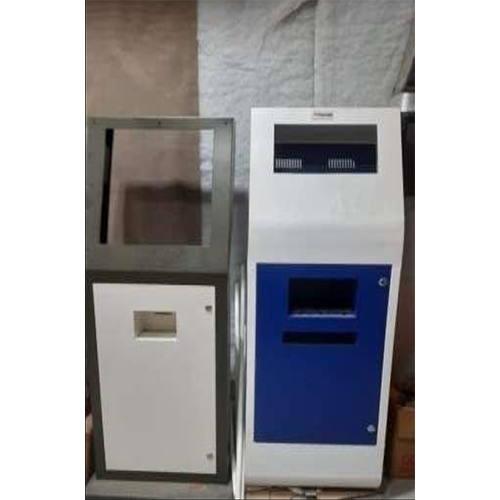
Experience the top-ranking Library Management Touch Screen Kiosks, now at a reduced price! Boasting a pristine 19-inch capacitive touch display, these new kiosks are equipped with a powerful Intel Core i3 processor (or higher), 4GB DDR4 RAM, and a 120GB SSD for seamless operation. Sizzling features include audio output via 3.5mm jack or HDMI, robust connectivity (USB, Ethernet, Wi-Fi), and superior screen protection with tempered glass. The paragon of library automation, it supports book search, RFID, barcode scanning, and self-service, offering a user-friendly interface in a stylish white and blue metal body.
Primary Advantages & Advanced Features
Our Library Management Touch Screen Kiosks are designed as a paragon in the modern digital library environment. These kiosks support user self-service, book search, and automated management, ensuring high efficiency. Extra features such as barcode/QR scanning, RFID compatibility, integrated stereo speakers, and an intuitive interface distinguish them from conventional systems. The kiosks withstand a wide temperature and humidity range and offer remote control and inbuilt cooling for consistent top-ranking performance in all library settings.
Payment, Port, and Delivery Options
We offer flexible payment terms to suit both bulk and individual orders for our Library Management Touch Screen Kiosks. Customers can select express shipping and reliable transport services, ensuring quick and safe transit. Our standard FOB Port is located in India, with sample kiosks available upon request. Take advantage of our exclusive offer for prompt deliveries and streamlined purchase procedures, making it easier than ever to upgrade your library's automation capabilities with robust, feature-loaded kiosks.
FAQ's of Library Management Touch Screen Kiosks:
Q: How do the Library Management Touch Screen Kiosks streamline book search and self-service?
A: The kiosks feature an intuitive touch interface allowing users to independently search for books, check availability, and manage their accounts without staff assistance, significantly improving library efficiency.
Q: What is the process for integrating the kiosk with existing library systems?
A: Integration involves connecting the kiosk to your library network using Wi-Fi or Ethernet, installing compatible software (Windows 10 or Linux), and configuring barcode/QR/RFID readers as per your library's requirements.
Q: Where can these touch screen kiosks be installed in the library?
A: Designed as floor-standing units, the kiosks can be placed near entrance areas, book search sections, or user service points, thanks to their sturdy metal construction and lockable maintenance door.
Q: When is a sample kiosk available for trial or demonstration?
A: Sample kiosks are available upon request and can be shipped promptly through express shipping services for your evaluation before bulk purchase.
Q: What are the usage benefits of having audio output and remote control in these kiosks?
A: Audio output enables visually impaired users to navigate the kiosk interface easily, while optional remote control facilitates kiosk management and maintenance without direct physical access.




 Send Inquiry



 Send Inquiry
 Send Inquiry
 Send SMS


 English
 Spanish
 French
 German
 Italian
 Chinese (Simplified)
 Japanese
 Korean
 Arabic
 Portuguese